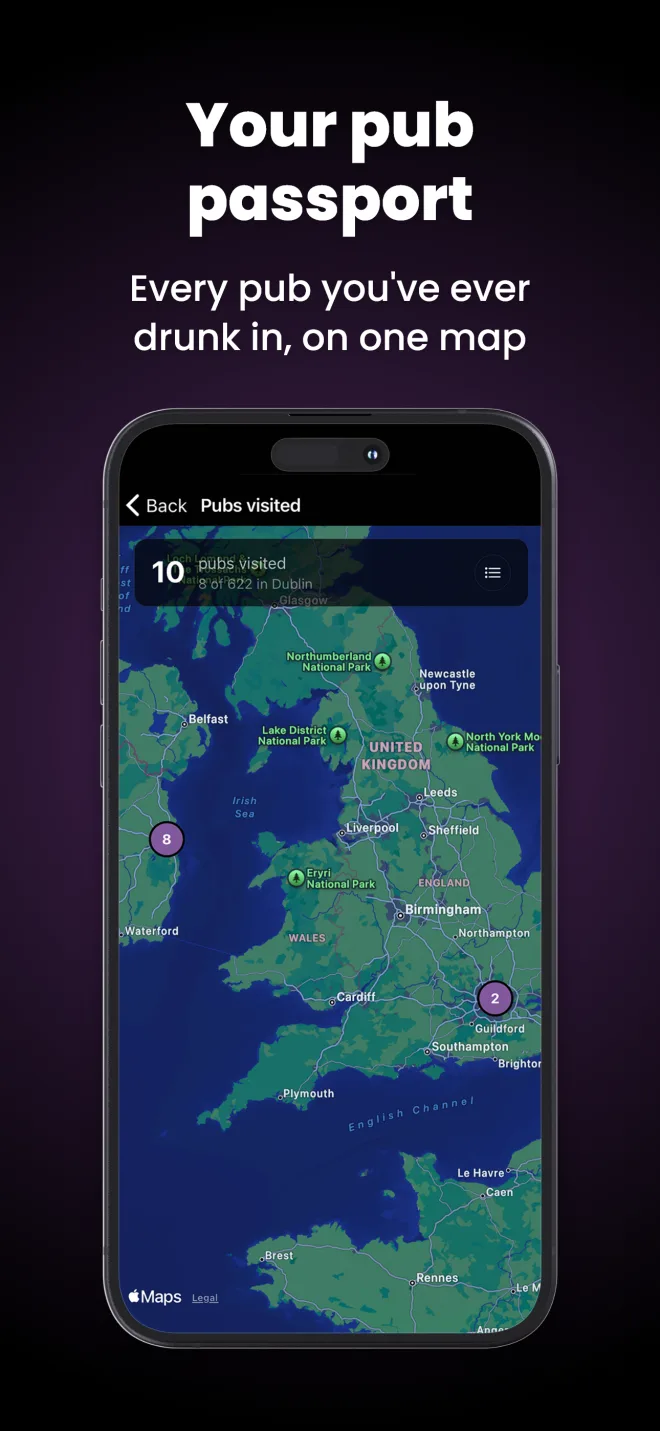
For social secs and society committees

The pub crawl app for students

One person plans the route. Everyone else scans a QR code and they are on it — same pubs, same order, same live map, on their own phone. This page is the rest of the job: how to run a crawl for fifteen to twenty people without losing half of them by the third pub.

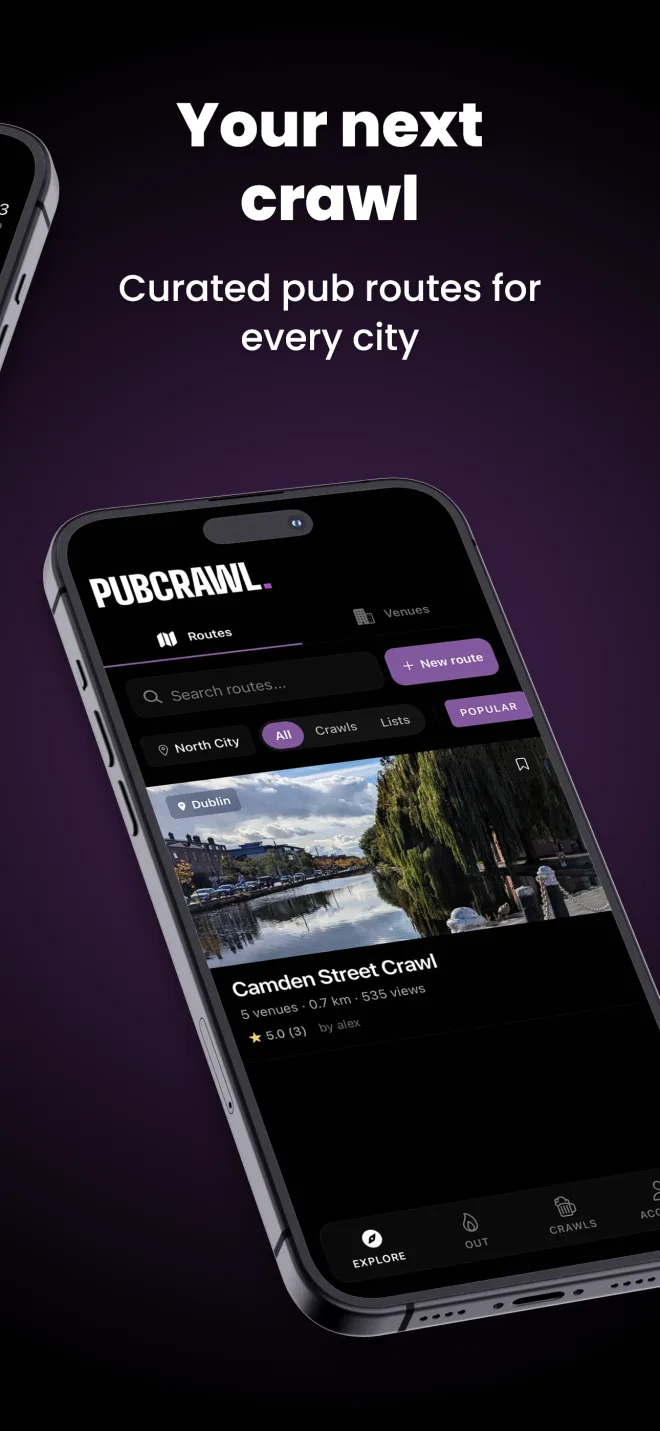
A list of pub crawl routes, each showing its stop count, walking distance and rating.
Pick a ready-made route or build your own
An invite screen showing a large QR code above a short invitation code.
Everyone joins by QR or the invitation code
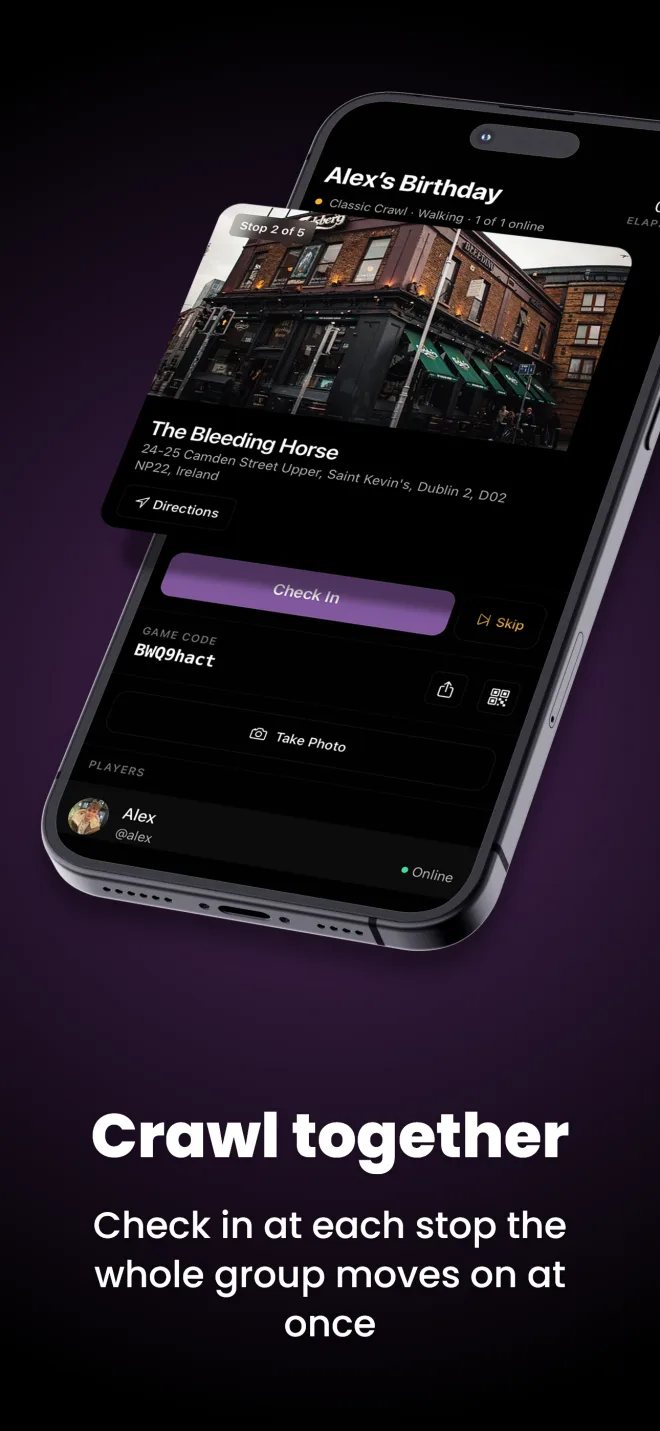
A crawl in progress: the current pub, the walk to the next one, and the players who have checked in.
Live check-ins, so you can see who is where
A Pub Golf scorecard with a par for each pub and the group ranked by score.
Pub Golf scoring if you want a game running
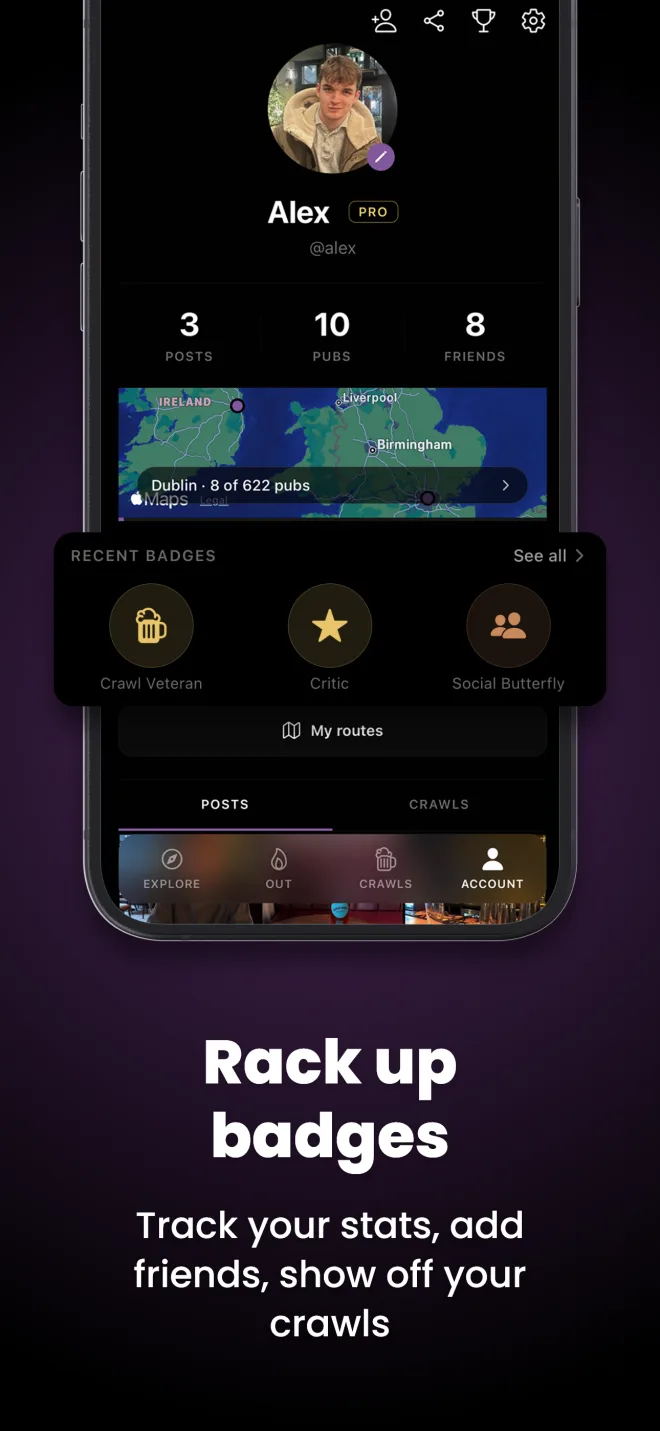
A user profile showing crawl history, achievement badges and total venues visited.
The photo reel and stats afterwards

Everyone joins by QR, so nobody gets lost

The normal way a student crawl is shared is a list of pub names pasted into a group chat, which is then buried under sixty messages by nine o'clock. It fails in the same three ways every time: latecomers do not know where you are, the people who went for chips cannot find you again, and someone always turns up at stop three while everyone else has moved to four.

In PubCrawl the organiser builds the route once and gets a join code and a QR code. Everyone scans it and lands on the same crawl: same stops, same order, live on their own phone. From there the group can see which venue is current, who has checked in, and how far the next walk is. Someone joining at half nine does not need to ask — they open the app and walk to the right pub.

Two practical habits make it work. Send the join code before the night, with the meeting point and time, so people install the app while they are sitting at home rather than in a doorway with one bar of signal. And nominate a second person as a co-organiser who also knows the plan, because the organiser will inevitably be the one stuck at the bar when it is time to move.

If your society runs the same crawl every year, save the route and reuse it. You keep the pub order that worked, and next year's committee inherits something better than a screenshot.

What the app actually does

  • Build a route or generate one. Hand-pick the pubs and run the optimiser for the shortest walk, or set a location, a stop count and how long you want the walks between stops to be and let it build the route on real walking directions.
  • Invite by QR or invitation code. Everyone lands on the same crawl with the same stop order. Joining needs a free account.
  • Live check-ins, host moves the group on. See who has arrived and which pub the crawl is at; the host confirms the move to the next stop so nobody gets left behind.
  • Skip a pub and swap in another. If a stop is shut, rammed or you cannot get in, the host skips it and the app offers nearby venues to drop into the crawl instead.
  • Photos at every stop. They go to the crawl rather than one camera roll, and they stay afterwards.
  • End early or pick it up later. Finishing early keeps the pubs you already did; a paused crawl can be resumed instead of restarted.
  • Pub Golf and wheel games. Scorecards and a leaderboard when you want a game running.

Free covers routes of up to five stops, three saved routes of your own, a classic crawl for up to eight people, check-ins, and photos that stay. A society crawl of fifteen to twenty needs the host on Premium — that lifts the group cap, takes routes to twelve stops, and unlocks Pub Golf and the Forfeit and Waterfall wheel games for everyone on that crawl. Nobody but the organiser pays.

Common questions

What happens if a pub says no to our group or is too busy to get in?

It will happen at least once on any crawl with fifteen or more people, so plan for it rather than hoping. In the app the host can skip the stop mid-crawl and pick a reason — closed, too busy, too empty, or could not find it — and the app then offers to search for venues near that spot and drop one straight into the crawl. Everyone else's phone updates to the new stop, so the route carries on instead of twenty people standing on a pavement arguing about where to go. Practically: put the biggest, most group-friendly pub first, get to the busier venues early because doors tighten on large groups later, and if you are turned away, move the whole group together rather than trying to filter in a few at a time.

How do I organise a pub crawl for a big group?

Work backwards from the finish. Decide when the night ends and where people are getting home from, then pick your pubs so the route walks back towards that point, with no leg longer than about ten minutes. Phone ahead for a group of fifteen or more, set a per-head budget and say it up front, and share one join code so the plan is not buried in a group chat. On the night, split into pods of four or five at the bar rather than ordering as one block, and give the group a fixed leave time at each stop.

How many pubs should a student pub crawl have?

Four to six. Allow about forty-five minutes per stop once you include walking, ordering and waiting for stragglers, so five pubs is roughly a four-hour night, and groups that plan eight or nine almost always lose people by the fourth. In the app a free route holds up to five stops, and Premium takes that to twelve — five is genuinely the right number for a first-year crawl anyway.

How does everyone join the same pub crawl?

The organiser creates the crawl and the app produces an invitation code and a QR code for it. Everyone else either scans the QR or types the code in, and they land on the same crawl with the same stops in the same order on their own phone. There is no route to send round separately, and someone arriving at half nine can see which pub the group has got to rather than ringing you. Everyone joining needs a free account — you cannot join a crawl as a guest.

Can we do a crawl with more than 8 people?

Yes, but the host needs Premium. A crawl created by a free account is capped at eight players, and that cap is on the crawl rather than on each person, so for a society social of fifteen to twenty the organiser is the one who needs to upgrade and nobody else pays anything. The same applies to Pub Golf and to routes longer than five stops — it is all keyed to whoever is hosting.

Is PubCrawl free for students, and what actually costs money?

The free tier covers a real crawl: build or generate routes with up to five stops, keep up to three of your own routes, run a classic crawl for up to eight people, check in at every pub, take photos at each stop that stay afterwards, and use the Categories, No Names and Buy a Drink wheel games. Premium is what a big society crawl needs — groups over eight, up to twelve stops, unlimited routes, Pub Golf scoring, the Forfeit and Waterfall wheel games and no ads. Only the host pays, and only the host needs it for the whole group to get those things on that crawl.

How much should a student pub crawl cost per person?

Set the number before you publish the plan, because that is what decides who comes. In most UK cities a five-stop crawl where everyone buys their own drink lands somewhere between fifteen and thirty pounds a head depending on the city and what people are drinking. Say the figure up front, pick at least two stops that are genuinely cheap, and make clear that soft drinks are fine at any of them.

What is the best night to run a freshers pub crawl?

Midweek, usually Tuesday or Wednesday. Pubs are quieter so a group of twenty actually gets served, door staff are far more relaxed about large groups arriving together, and student nights and drinks deals cluster Monday to Wednesday. Saturday sounds right and is the hardest night to run a big group on.

Do we need to book the pubs in advance?

For fifteen people or more, tell them you are coming even if they will not take a formal booking. Phone rather than email, ask for the duty manager, and give the date, the arrival time and the headcount. Plenty of pubs will not reserve space for a drinks-only group at the weekend but will happily hold an area midweek, and a manager who is expecting you will put an extra person behind the bar.

Does the app work out the walking route between the pubs?

Yes. Generated routes are built on real walking directions rather than straight lines, and you set how long you want the walks between stops to be before it builds — five to fifteen minutes is the sensible range for a big group. Every route shows the distance and the walking time to the next venue, and if you hand-pick the pubs yourself you can run the optimiser to reorder them into the shortest walk.

What if we need to finish early, or want to carry on another night?

Ending a crawl early keeps everything you have already done — the pubs you visited, the check-ins and the photos are all saved to the crawl and to everyone's history, so a night that stops at stop three still counts. You can also leave a crawl paused and pick it up from the app later rather than starting again from the beginning.

How do I include people who are not drinking?

Design it in rather than apologising for it. Pick venues with proper alcohol-free options rather than one warm bottle of cola, make one round in the middle a soft round for everybody, and score any game on stops reached, check-in order or photos rather than on drinks. Nobody should have to explain why they are not drinking, and nobody should be bought a drink they did not ask for.

What happens to the photos afterwards?

Photos taken at each stop go to the crawl itself, not to one person's camera roll, so the whole night ends up in one place that everybody on it can look through and react to. They do not expire. For a society that is the honest reason to bother: the reel from this year's crawl is what fills next year's.

Student crawls by city

Real pubs and real published routes, not a list of city names.